Know what you’re doing today.
Put everything in the Inbox, choose a few things for today, and see the task you’re on first. Free on iPhone and iPad, with Spring Plus for Apple Watch and Mac.
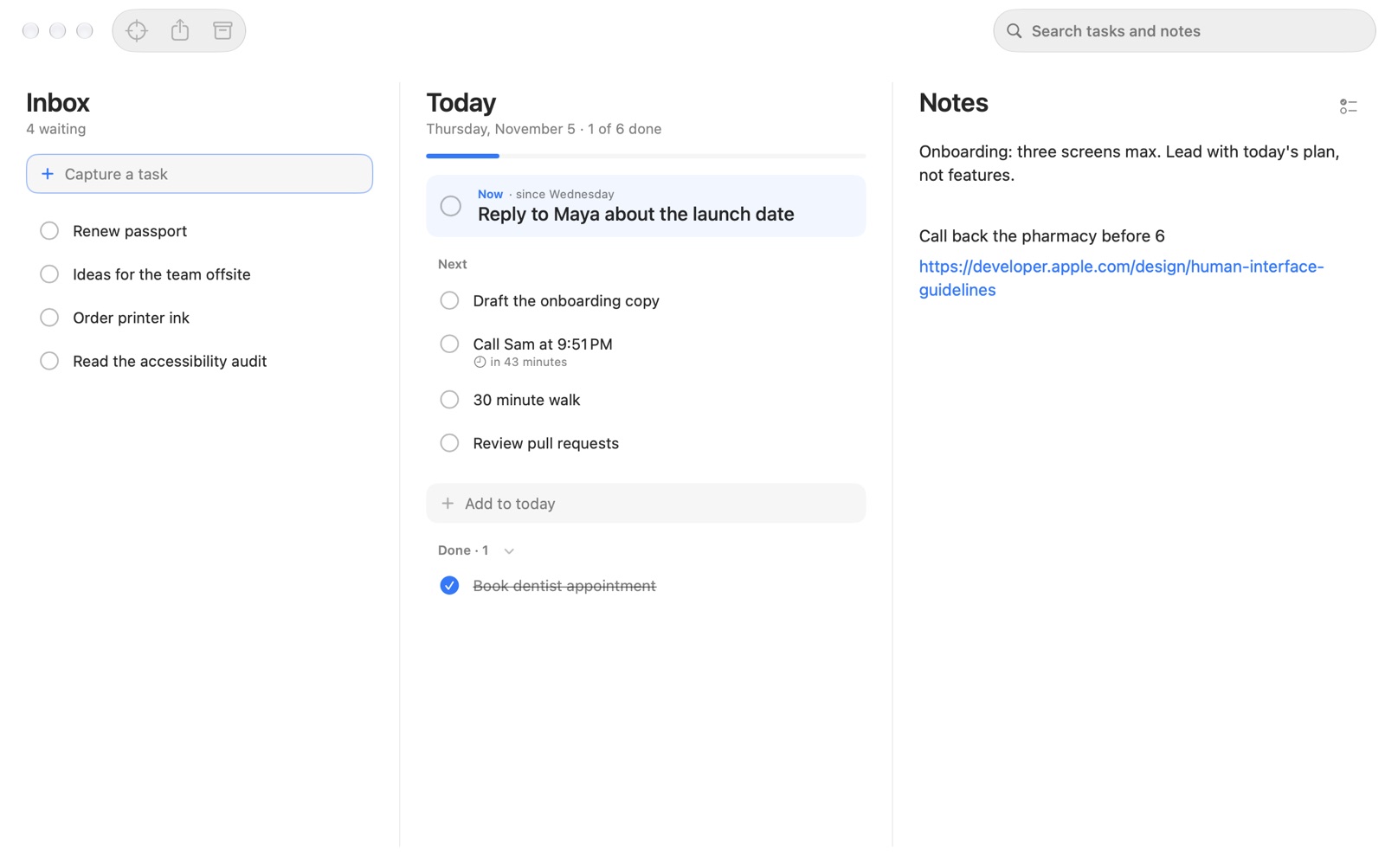
Three places, one day.
Inbox
Capture anything in a word or a line. Paste a list and each line becomes a task. Nothing is planned until you choose it.
Today
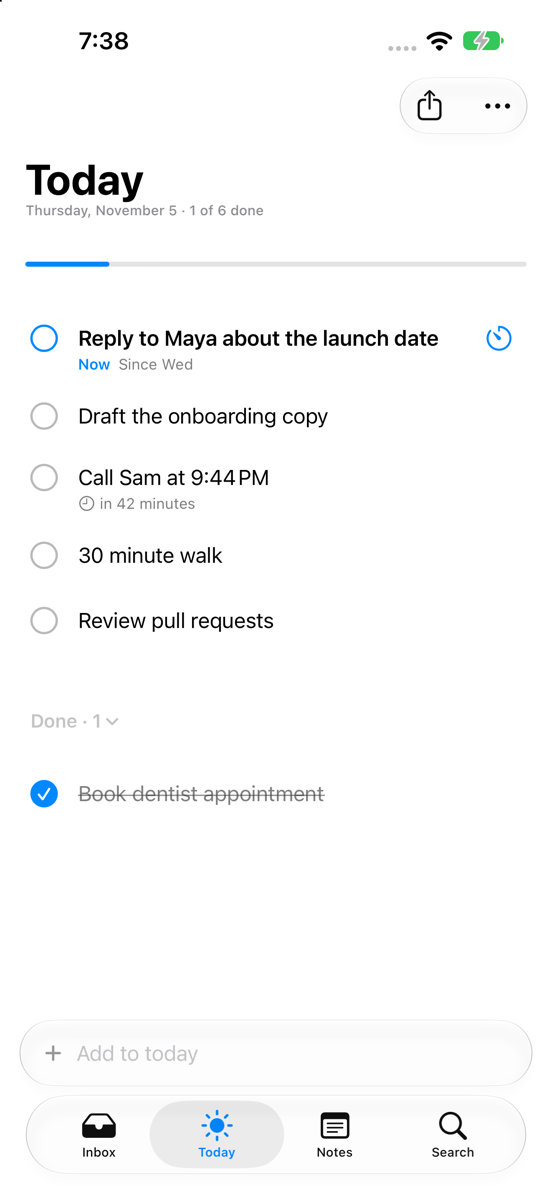
The first task is marked Now. Finish it and the next one moves up, or move it to the end with Not Now. Unfinished tasks carry over.
Notes
One free page for text, links, photos, PDFs and other files. Share anything to Spring and it lands here.
Archive
Finished tasks move to the Archive the next day, grouped by day, so you can see what you did.
Search
Find tasks in Today, the Inbox and the Archive, and lines in Notes.
Widgets
Tick off tasks from Home Screen and Lock Screen widgets, without opening the app.
Synced through your iCloud.
Spring keeps your tasks and notes on your devices and in your private iCloud database. There is no Spring account, and no server of ours that stores your data.
- Start a 15, 25 or 50 minute focus on the Now task.
Requires iOS 26, iPadOS 26, watchOS 26 or macOS 26 or later. Sync requires iCloud. Find Tasks, dates and times and reminders need an iPhone, iPad or Mac that supports Apple Intelligence.
Spring Plus.
$14.99 a year with a 14-day free trial, or $1.99 a month. Prices vary by region.
Mac and Apple Watch
Inbox, Today and Notes in one window on your Mac, and the Now task, focus timer and complications on your wrist.
Find Tasks
Turn a page of notes into tasks. You choose which ones to add, and your note stays as it is.
Dates and reminders
Write “Call Sam at 3pm” and Spring moves it to Today on its day, counts down and reminds you.
Backgrounds
Your own photo behind your lists, with optional Liquid Glass panes.